If you have ever deployed something and whispered, "please work" before pressing Enter, this post is for you.
I wanted n8n running on SAP BTP Cloud Foundry with PostgreSQL, but I also wanted:
- minimal setup
- no credential circus in manifest files
- one command that does the heavy lifting
And yes, we got all three.
The setup in one sentence
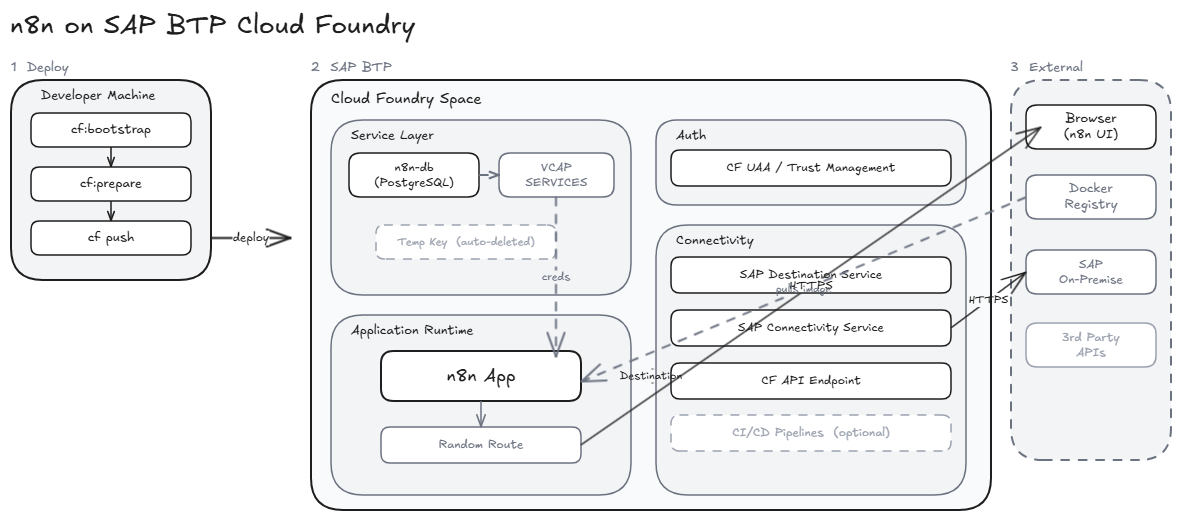
n8n + PostgreSQL on SAP BTP CF, deployed with a secure manifest and helper scripts that bootstrap services and secrets without committing sensitive data.
Why this approach is nice
The setup keeps your future self happy:
- No DB credentials in
manifest.yml - Runtime DB credentials come from
VCAP_SERVICES - Temporary service key is created only when needed, then deleted
- Local secret files stay gitignored
- Deploy command stays beautifully boring
Boring deploys are elite deploys.
End-to-end flow
- Clone repository
- Login to Cloud Foundry
- Create PostgreSQL service instance (if missing)
- Create temporary service key and extract credentials
- Optionally bind service to an existing app
- Deploy to Cloud Foundry
Prerequisites
- CF CLI v8+
- Targeted org/space (
cf target)
IMPORTANT: Make sure
cf targetpoints to the correct org and space before deployment, or your app may go somewhere surprising.
Command blocks
- Login and target:
cf login --sso -a <api-endpoint>
cf target -o <org> -s <space>
- Bootstrap and deploy:
npm run cf:bootstrap
- Prepare only:
npm run cf:prepare
- Deploy only:
npm run cf:deploy
- Pull secrets to local env file:
npm run secrets:pull -- --service n8n-db --out .env.cf
Step 1: Login and target org/space
cf login --sso -a <api-endpoint>
cf target -o <org> -s <space>
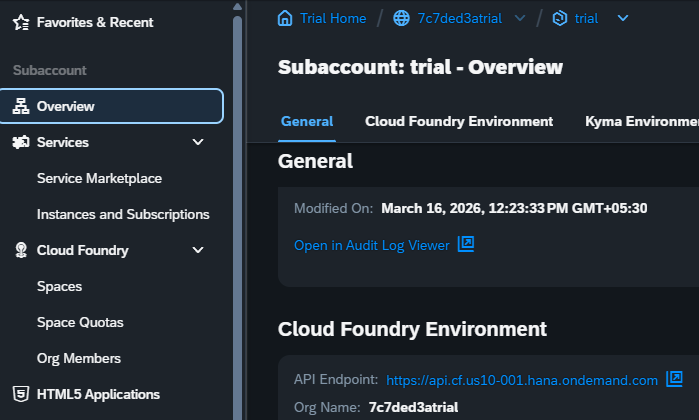
Screenshot of subaccount and CF details:
Step 2: One command to bootstrap and deploy
npm run cf:bootstrap
This runs:
npm run cf:preparenpm run cf:deploy
IMPORTANT: Runtime DB credentials are read from
VCAP_SERVICESafter binding. Keep secrets out ofmanifest.yml.
At this point, you can feel 37% more DevOps already.
What cf:prepare does behind the scenes
- ensures service instance
n8n-dbexists (creates if missing) - waits for service readiness
- tries to read PostgreSQL creds from bound app
VCAP_SERVICES - if unavailable, creates temporary service key and reads creds
- writes
vars.secrets.ymlfor local/debug use - deletes the temporary service key
Default waiting behavior:
- waits up to 15 minutes
- polls every 10 seconds
If your foundation is slower than Monday mornings:
node scripts/cf-prepare-deploy.mjs --service n8n-db --wait-minutes 30 --poll-seconds 15
If you require local secrets generation strictly:
node scripts/cf-prepare-deploy.mjs --service n8n-db --app n8n-appp --require-secrets
First-run screenshots (the fun part)
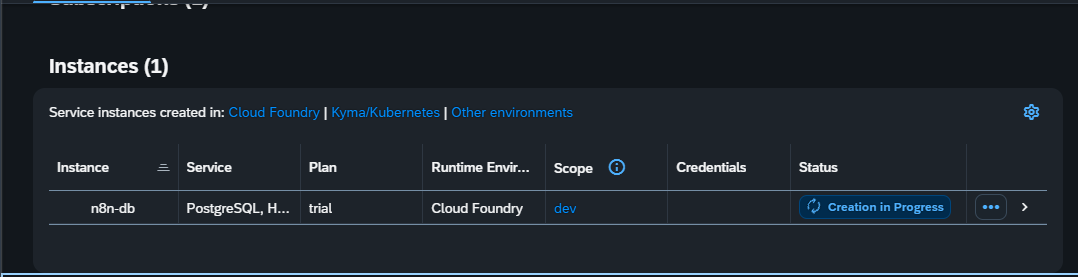
- PostgreSQL service creation in progress:
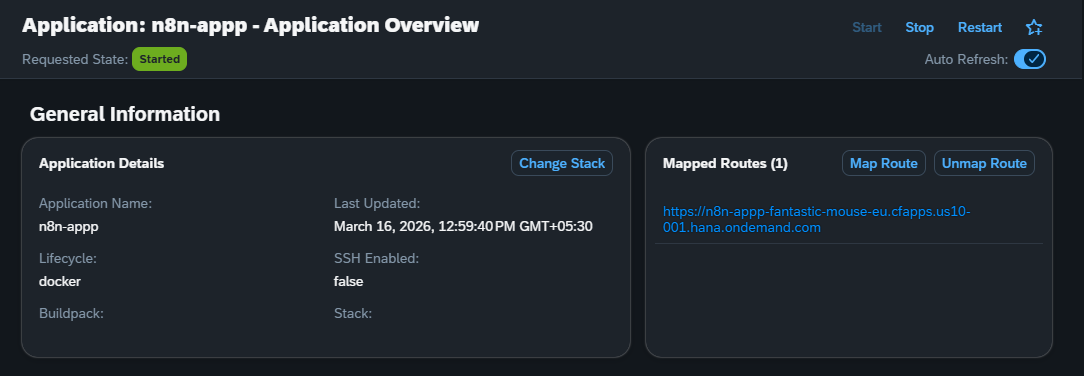
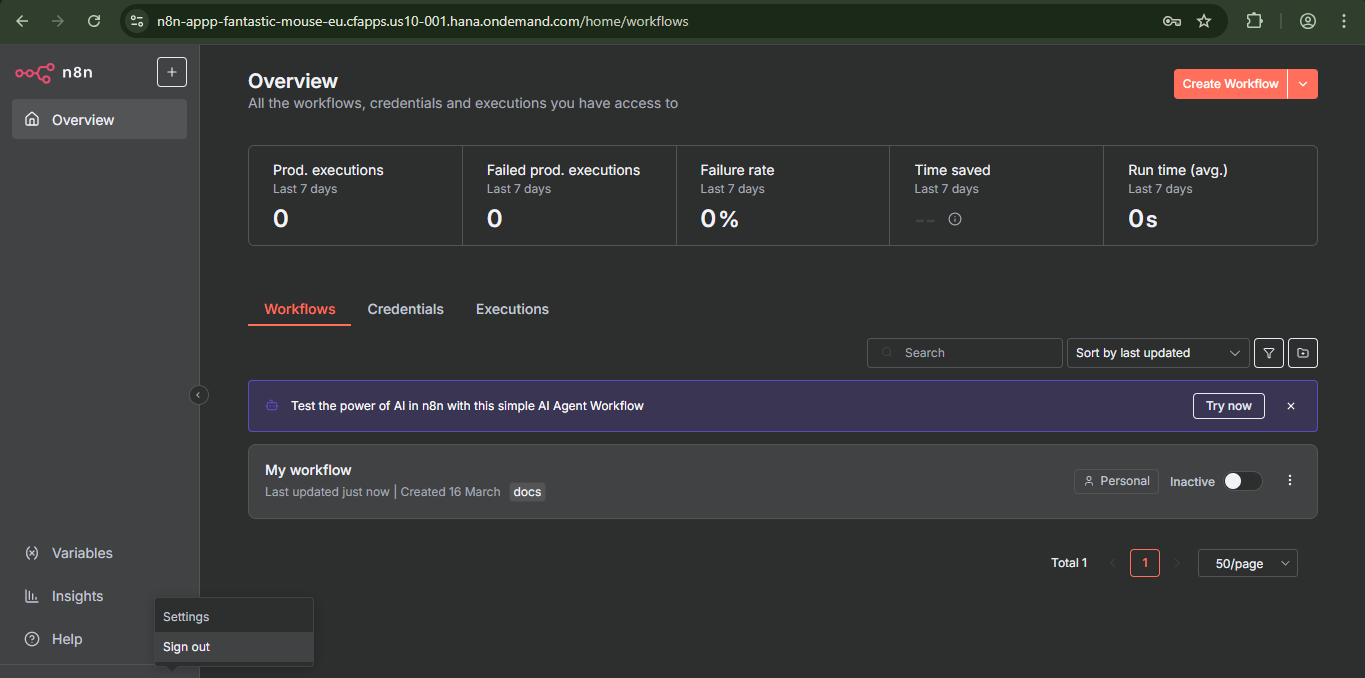
- n8n overview with first workflow visible:
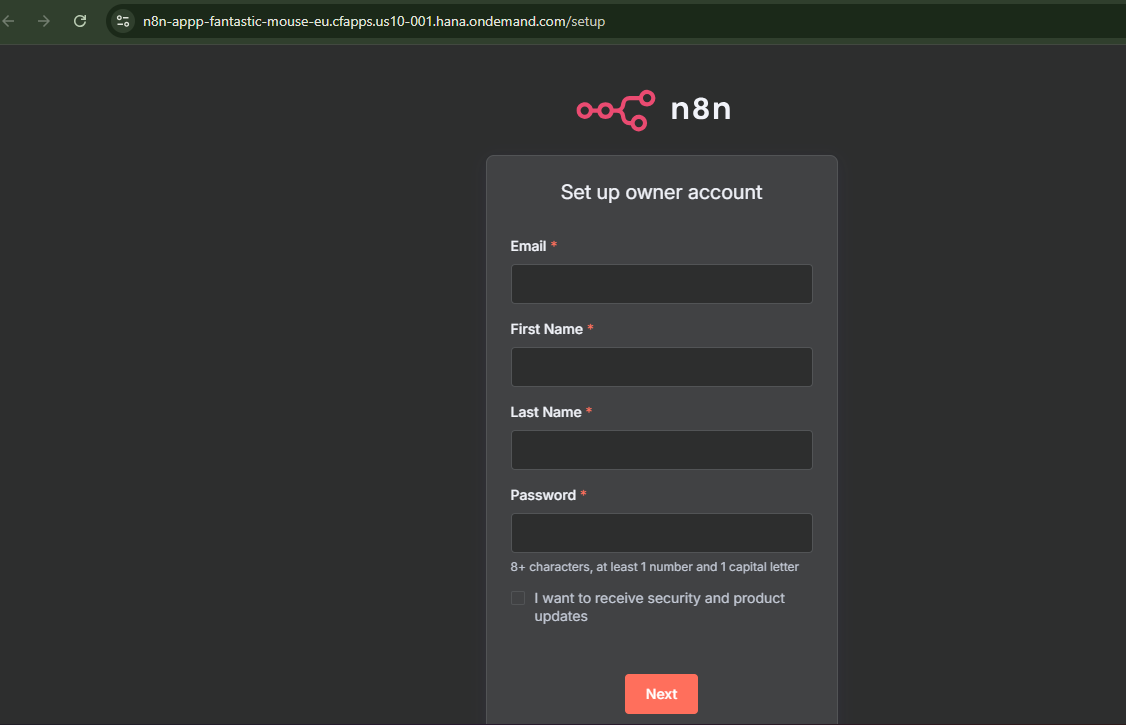
- n8n first-time owner setup page:
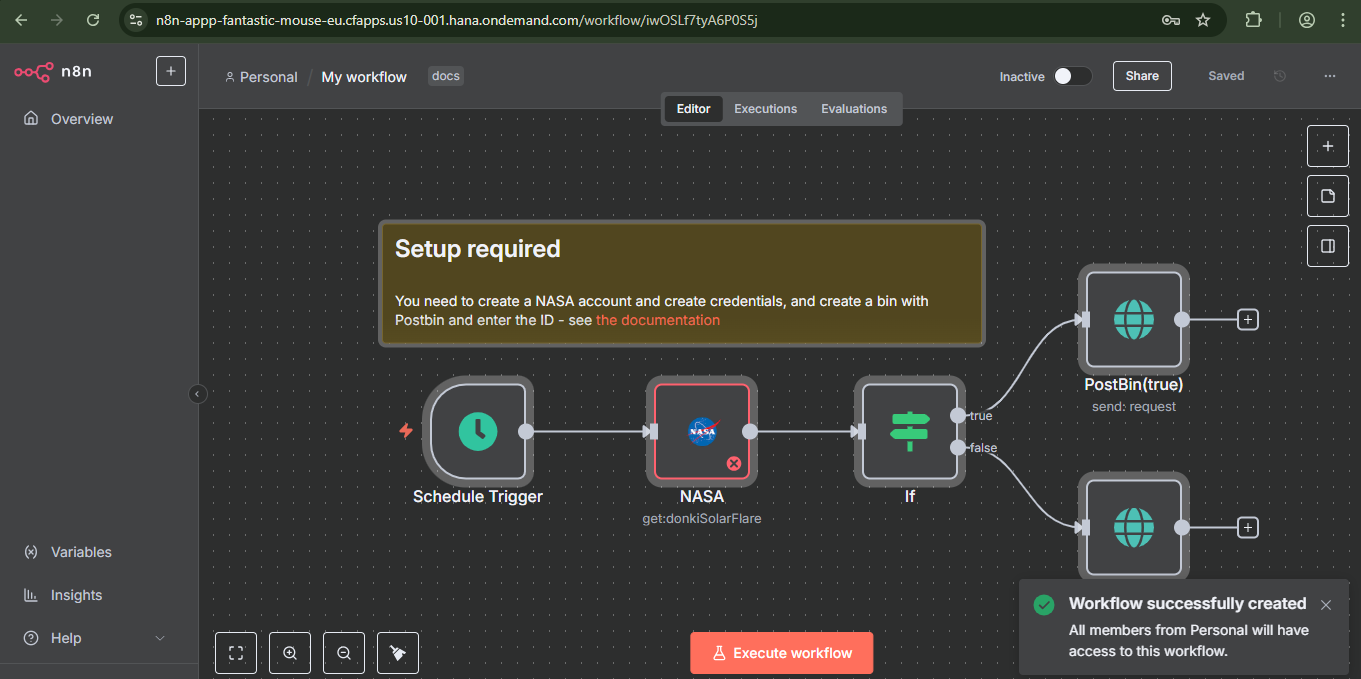
- Workflow editor after successful setup:
- Logout/settings menu:
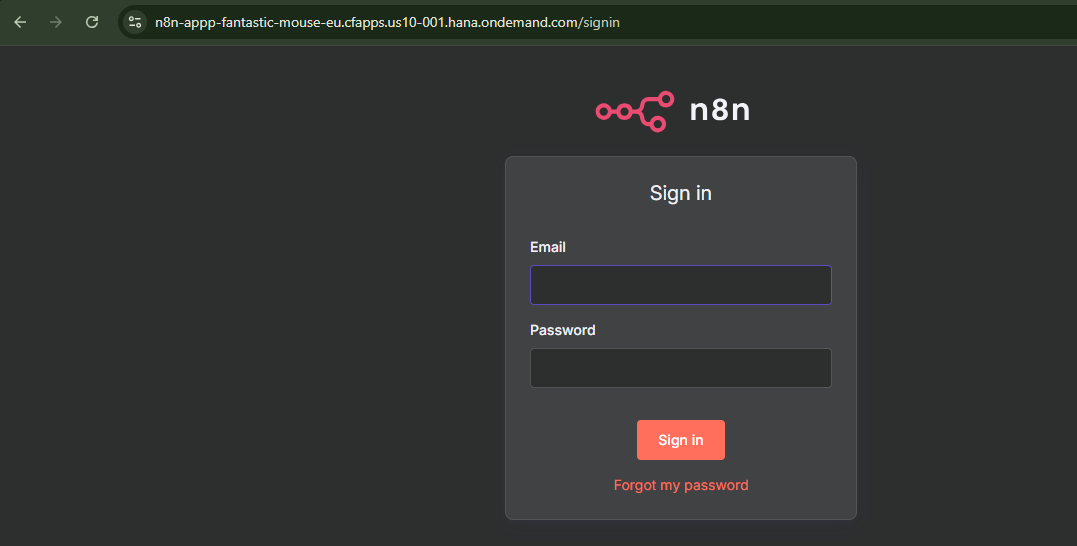
- Signed in n8n screen:
Deploy command used
cf push -f manifest.yml
Route behavior note:
manifest.yml uses random-route: true, so route collisions are avoided across accounts/spaces.
IMPORTANT: Keep
random-route: trueunless you intentionally manage a custom route.
Get your final route with:
cf app n8n-appp
Optional: bind service to an existing app
node scripts/cf-prepare-deploy.mjs --service n8n-db --bind-app <app-name>
cf restage <app-name>
Normally, deploy-time binding is already handled via services: in manifest.yml.
Useful commands cheat sheet
npm run cf:prepare
npm run cf:deploy
npm run secrets:pull -- --service n8n-db --out .env.cf
Security checklist
- no DB secrets in manifest
- local secret files are gitignored
- temporary service keys are cleaned up
- runtime credentials come from bound CF environment
Security and simplicity are not enemies. They are teammates.
If your service name is different
node scripts/cf-prepare-deploy.mjs --service <your-service-name> --offering postgresql-db --plan trial --secrets-file vars.secrets.yml
Final thoughts
Deploying n8n on SAP BTP Cloud Foundry felt like assembling IKEA furniture, except this time I actually had the manual and only one screw was left over.
If you are trying this setup and hit weird CF errors, do not panic. Most of the time it is one of:
- wrong target org/space
- service still provisioning
- route naming collision
- a tiny typo that somehow caused existential crisis
Happy shipping.